Frequent biomechanical errors when designing insoles in CAD and how to avoid them
By StepLab Team · Published on November 16, 2025
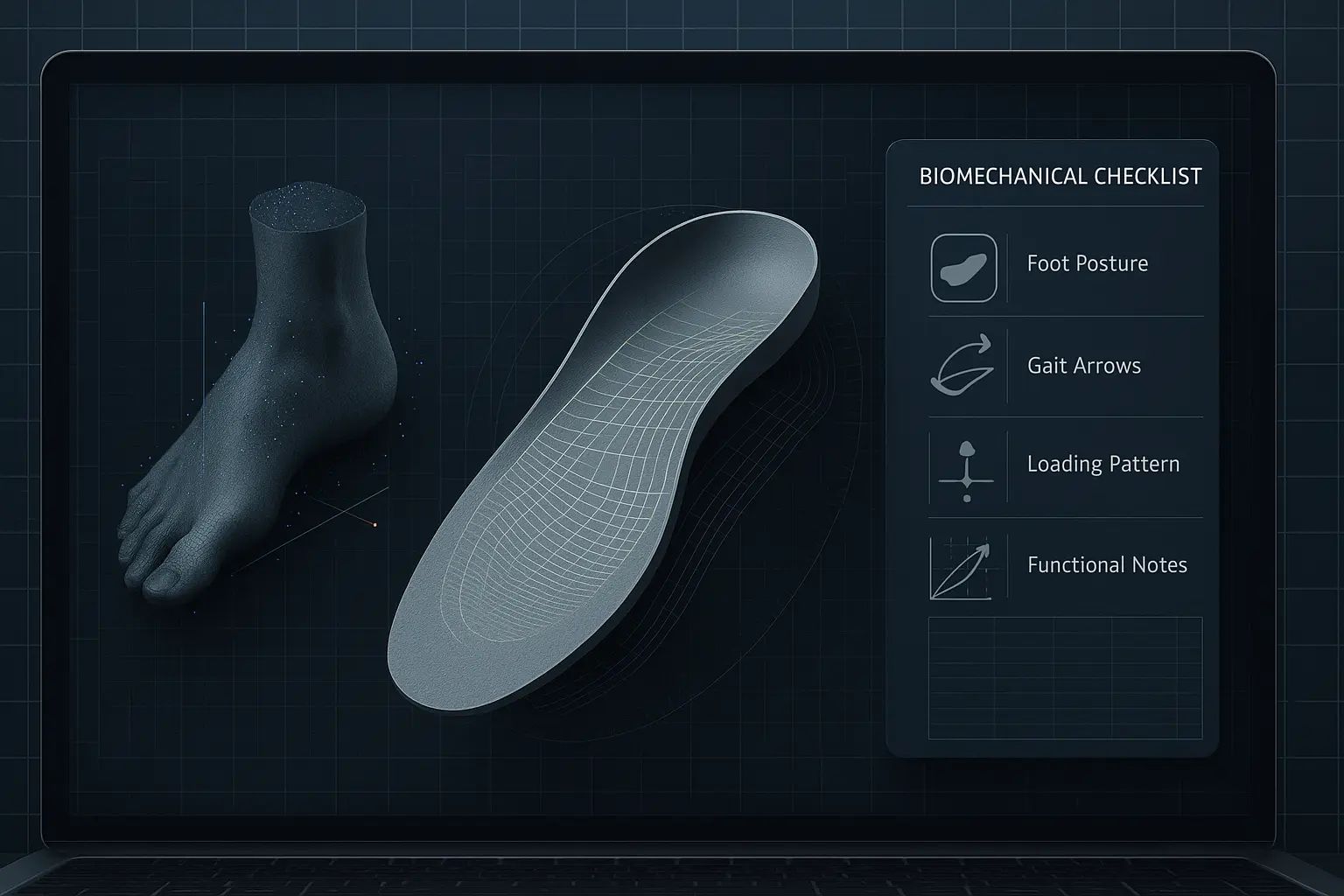
The shift toward digital manufacturing has completely changed how podiatrists design and prescribe custom insoles. CAD does not just match the capabilities of manual work: it surpasses them in precision, reproducibility, geometric control, and the ability to capture complex biomechanical decisions.
However, that technical superiority brings a challenge: CAD does not make decisions for the clinician. It demands structure, analysis, and conceptual accuracy. When the design process is intuitive or purely visual, without a proper translation of the biomechanical assessment, errors do not disappear—they are amplified.
This article explains the most frequent CAD mistakes, how to avoid them, and why a well-structured flow of clinical information—like the one we use at StepLab through highly detailed prescription forms—allows the podiatrist’s assessment to become a fully coherent and functional CAD design.
1. Too much or too little posting and wedging because of missing functional references
CAD lets you modify heights and angles with a precision that manual work never offered. That advantage becomes a risk when the clinician adjusts structures guided only by what “looks right.”
Why it happens
- Geometries are designed without a clear therapeutic objective.
- Quantifiable clinical parameters (axes, stiffness, deviations) are ignored.
- Plaster-based habits are copied into the digital environment without adaptation.
How to avoid it
- Define the desired function first: support, guidance, load redistribution, or control.
- Relate every millimeter or degree of modification to a real biomechanical finding.
- Review how those adjustments alter force paths throughout gait.
2. Wedges misaligned with functional axes
CAD allows you to rotate structures in any direction. But if the technician ignores the true axes (subtalar, midfoot, first ray), the orthosis loses effectiveness.
Common mistakes
- Placing a medial wedge as a “universal solution.”
- Using arbitrary angles unrelated to the force vector that needs modification.
- Applying standard designs without adapting them to the patient’s specific pattern.
Solution
- Align each structure with the motion you want to influence.
- Interpret the scan with dynamic, not merely morphological, criteria.
- Confirm that the orientation matches the mechanics observed in the clinical evaluation.
3. Abrupt transitions that distort load distribution
In manual work, the technician smooths transitions naturally. In CAD, if blends and curvatures are not monitored, sharp ramps appear and modify loading patterns.
Why is it a problem?
- It generates localized high-pressure zones.
- It breaks the functional continuity between rearfoot, midfoot, and forefoot.
How to avoid it?
- Use progressive blending tools.
- Check curvature and continuity maps.
- Avoid abrupt changes between areas with different height or density.
4. Arches designed with no relationship to the foot’s real kinematics
One of the most common mistakes is raising the arch according to an “ideal morphology,” ignoring the foot’s dynamic behavior.
Typical issues
- Arches that are too high or poorly integrated.
- Designs that are too straight and ignore midfoot torsion.
Recommendations
- Always start from the scan’s actual geometry.
- Adjust height according to foot stiffness or mobility.
- Maintain continuity with forefoot and rearfoot to avoid functional interruptions.
5. Disconnect between biomechanical analysis and CAD modeling
A design can be geometrically impeccable and still clinically weak if it does not reflect the real findings of the assessment.
Frequent causes
- Gait or kinetic data are not integrated.
- Tibial rotations or compensations are ignored.
- Stiffness, muscle strength, or joint limitations are not translated into the model.
Solution
- Map the clinical analysis first.
- Convert every finding into a specific design decision.
6. Treating CAD as a substitute for manual manufacturing instead of as a superior system
This is a conceptual mistake. The goal of CAD is not to replicate manual work—it is to surpass it.
Why must that be clear?
- CAD offers geometric precision that manual fabrication cannot match.
- Reproducibility and traceability are vastly superior.
- Quality no longer depends on who manipulates the insole but on objective data.
Proper approach
- View CAD as an advanced functional design system.
- Use its precision to apply biomechanics more finely.
- Work with standardized protocols, not with intuition.
7. How a structured clinical workflow prevents these errors: the role of the prescription form
Many design errors do not originate in CAD but in the absence of well-organized biomechanical information. If the lab receives incomplete or ambiguous data, the final design will always be limited, no matter how advanced the tool is.
Why is structure key?
- Biomechanics is multidimensional: morphology, kinematics, load, stiffness, compensations.
- CAD needs objective data to generate functional geometries.
- Without clear criteria, you end up with visually appealing designs that are not therapeutic.
How do we solve it at StepLab?
To ensure that the digital orthosis faithfully reflects the clinical analysis, StepLab uses a highly detailed prescription form where the podiatrist records all relevant findings for the proper design and fabrication of the insole.
This structured workflow makes it possible to translate each clinical datum into a precise CAD design decision. In other words, every wedge, transition, height, or relief has an explicit biomechanical justification.
Related Articles
Welcome to the StepLab Blog: A Space for Podiatrists Looking to Go One Step Further
Discover the new StepLab blog, a space created for podiatrists who want to stay at the forefront of technology, innovation, and professional development.